

Documentation Index
Fetch the complete documentation index at: https://docs.3dpreppro.com/llms.txt
Use this file to discover all available pages before exploring further.
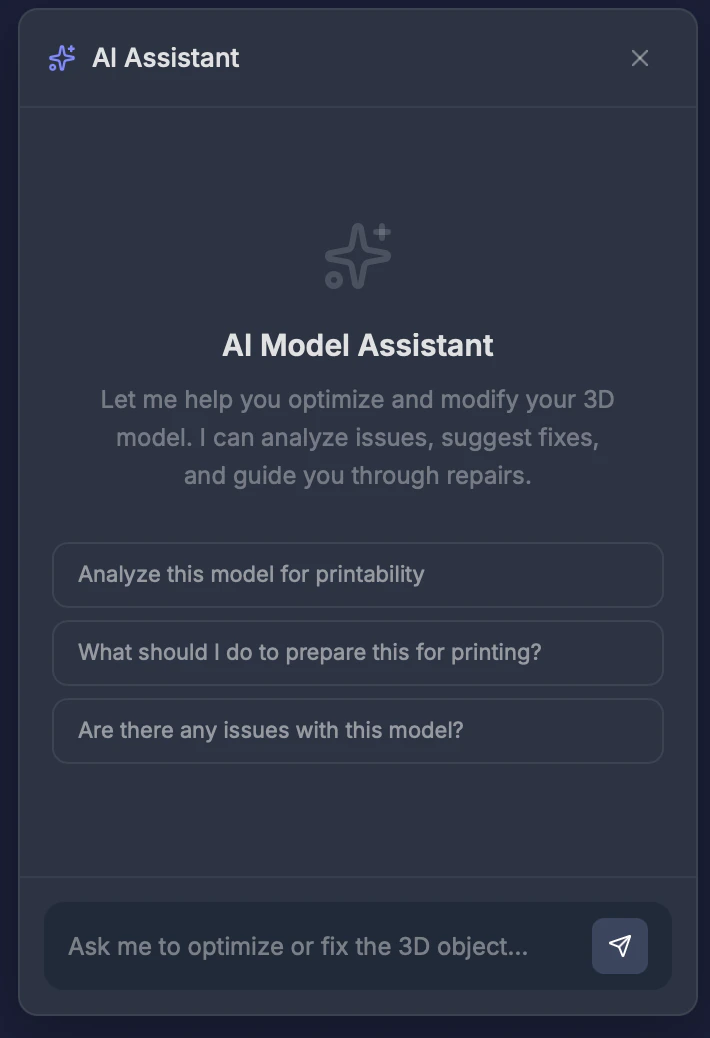
Opening the AI Assistant
Click the sparkle icon at the bottom right of the editor toolbar. The chat panel slides open on the right side of the screen.What it can see
When you start a conversation, the AI Assistant automatically has access to:- Your model’s dimensions, polygon count, and volume
- Analysis results (if available) — detected issues, printability score
- 360° thumbnail images of your model from multiple angles
- The current state of your editor settings
How to use it
Type a message in the input box at the bottom and press Enter or click Send. The assistant responds in real time, and you can have a multi-turn conversation.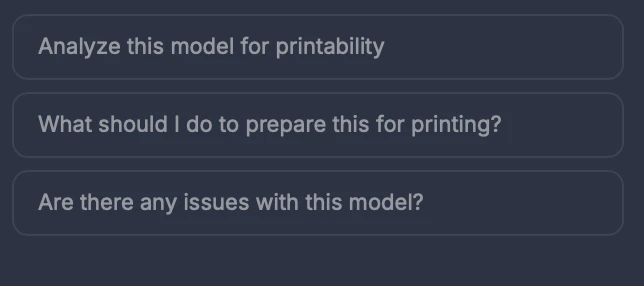
- “Analyze this model for printability”
- “What should I do to prepare this for printing?”
- “Are there any issues with this model?”
Tool calls
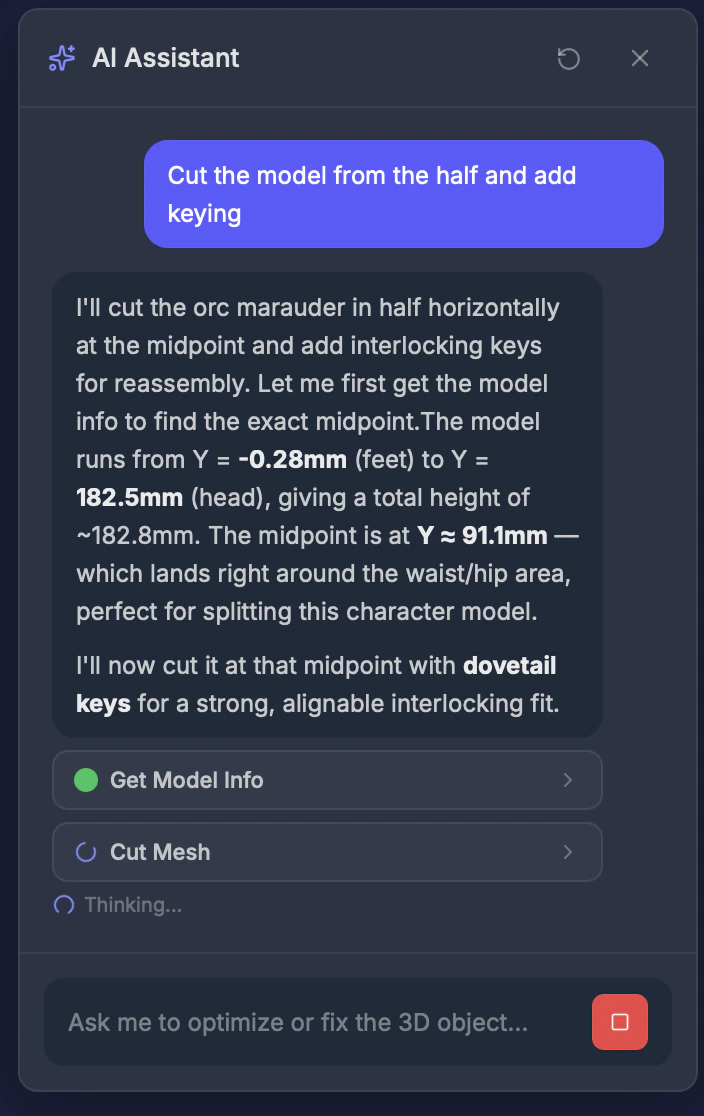
The AI Assistant can run tools on your model as part of the conversation. When it does, you’ll see a tool call card in the chat showing:- Which tool is being used
- The parameters it chose
- The result when it completes
Managing conversations
- Stop — Click the red stop button to interrupt a response
- Clear — Click the new conversation button in the header to start fresh
- Conversations are saved automatically so you can pick up where you left off