

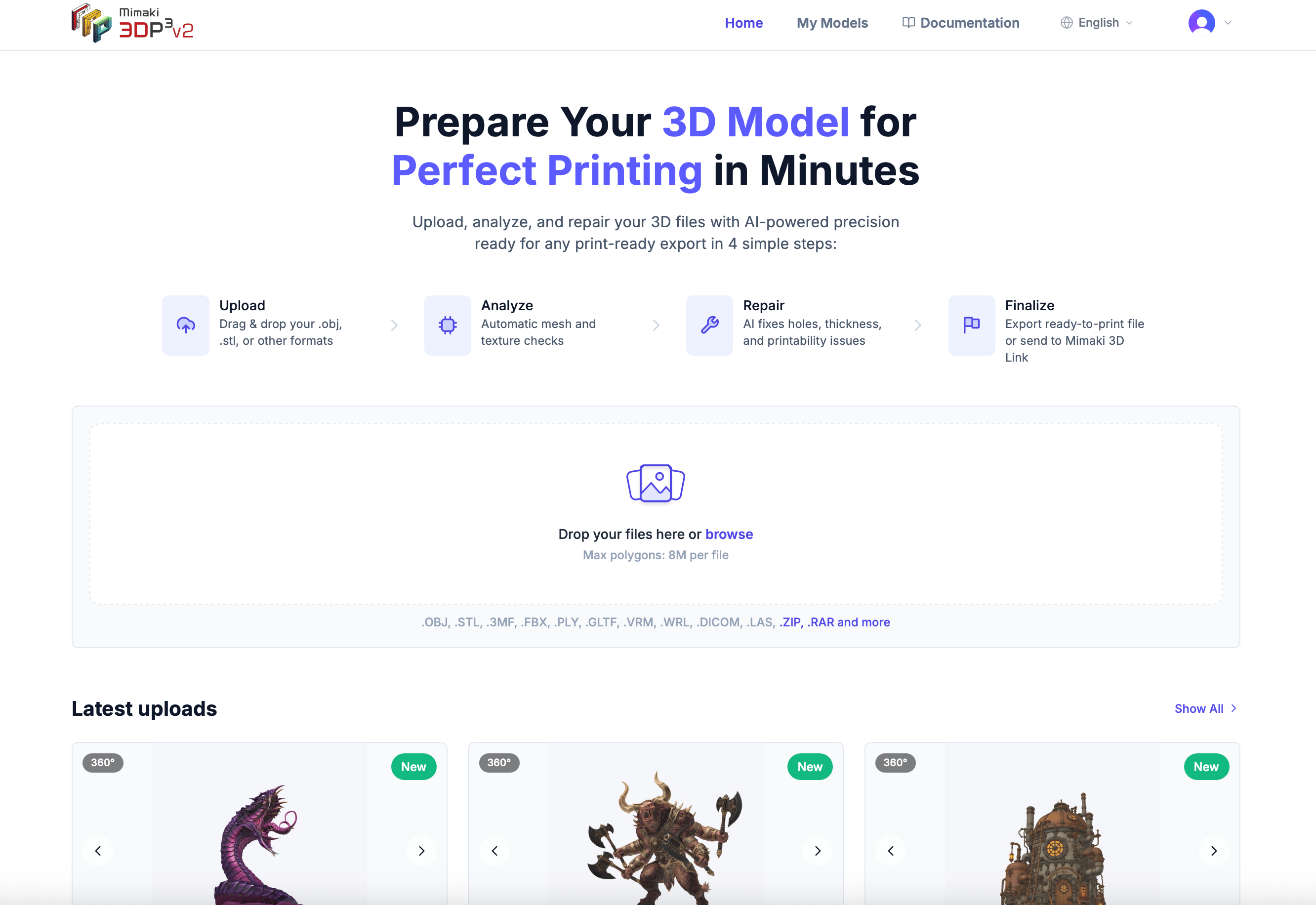
Get your model print-ready in four simple steps
Upload
Drag and drop your 3D file in any popular format — OBJ, STL, 3MF, FBX, and more.
Analyze
We automatically scan your model for printing issues like thin walls, holes, and non-printable geometry.
Repair
Our automated repair process fixes issues and optimizes your model for your printer.
Export
Download your print-ready model in OBJ, STL, GLB, or 3MF format.
Start here
Create your account
Sign up in under a minute and start preparing your models.
Upload your first model
Learn how to get your 3D files into the platform.
Repair your first model
Fix common 3D printing issues automatically.
Download your results
Export your repaired model in print-ready formats.
Explore the platform
3D Editor
View, inspect, and modify your models with 19 powerful tools — from cutting and lattice infill to measurement and validation.
Plans & Pricing
Start with 2 free repairs, then choose a plan that fits your needs.
Supported file formats
3D Prep Pro works with all major 3D file formats:
You can also upload ZIP, RAR, and TAR (
.tar, .tar.gz, .tgz) archives — we automatically extract and process the 3D files inside.