

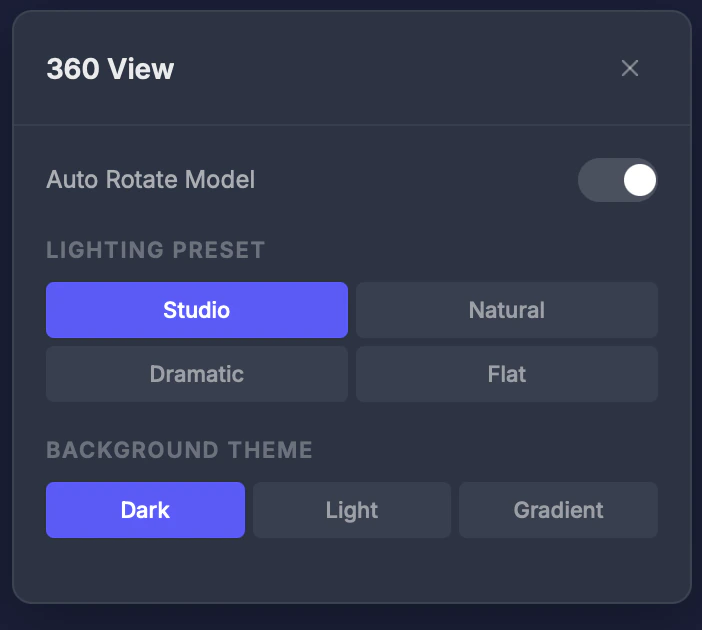
Settings
Lighting preset
- Studio — Balanced, professional lighting
- Natural — Soft, outdoor-style lighting
- Dramatic — High contrast with strong shadows
- Flat — Even lighting, shows colors most accurately
Background theme
- Dark — Dark background (default)
- Light — White/light background
- Gradient — Soft gradient backdrop
Auto-rotate
Toggle automatic rotation with adjustable speed. Great for getting a full view of your model without manual mouse movement.Tips
- Use Dramatic lighting to highlight surface details and potential printing issues
- Use Flat lighting to see colors most accurately — helpful for full-color prints
- Enable auto-rotate for a quick overview of the entire model