

When to use this
When your model has visible holes or gaps — common in models exported from sculpting software or game engines where surfaces aren’t always sealed.Settings
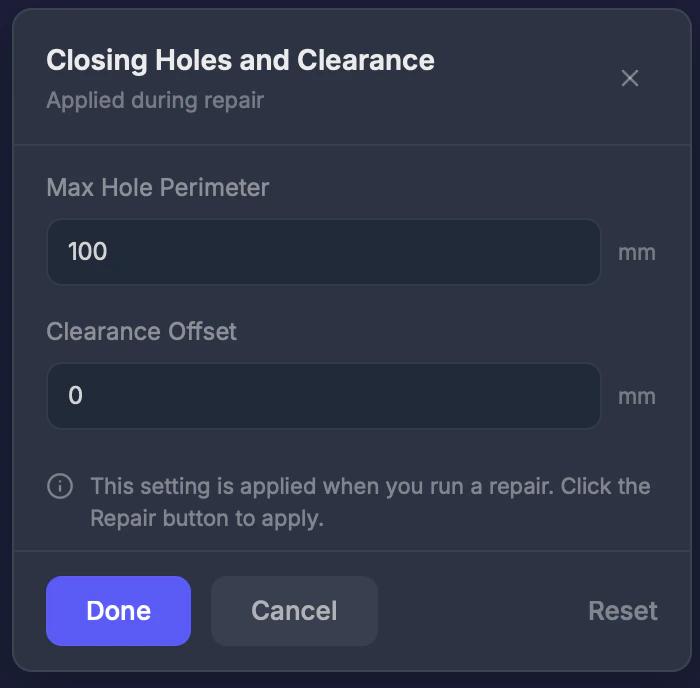
Max perimeter (0–1000 mm)
Only close holes smaller than this perimeter. Default: 100 mm. Set higher to close larger openings.Clearance offset (0–10 mm)
Add extra spacing around closed holes. Default: 0 mm.Step by step
1
Select Close Holes
Click Close Holes in the toolbar.
2
Adjust max perimeter
Set how large a hole can be before it’s left open.
3
Run a repair
Hole closing is applied during the repair process.
Tips
- Small holes (under 10 mm perimeter) are usually modeling artifacts — close them freely
- Large holes may be intentional (like the bottom of a vase or a window opening). Set the max perimeter lower to preserve them.
- Use the Errors tool to see how many holes exist before repair