

When to use this
When your model has delicate features, thin edges, or fine details that might break during printing or post-processing.Settings
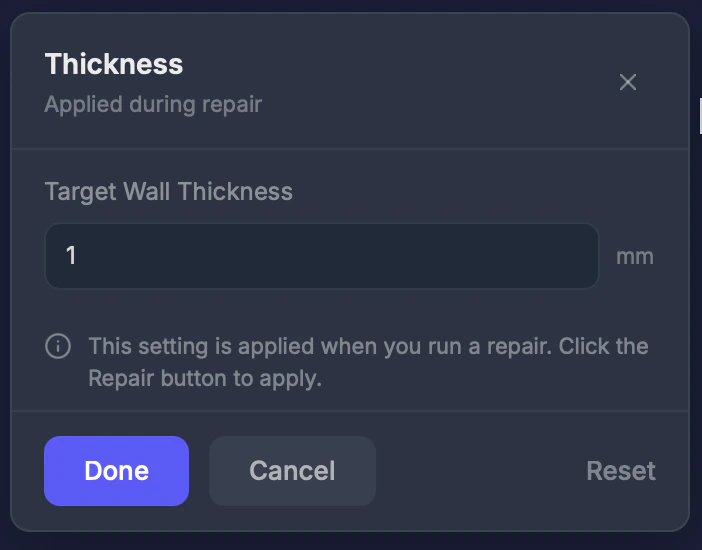
Thickness (0–10 mm)
The minimum wall thickness. Default: 1.0 mm. Recommended values by printer type:Step by step
1
Select the Thickness tool
Click Wall Thickness in the toolbar.
2
Set your minimum thickness
Adjust the value based on your printer’s requirements.
3
Run a repair
This setting takes effect during the next repair.