

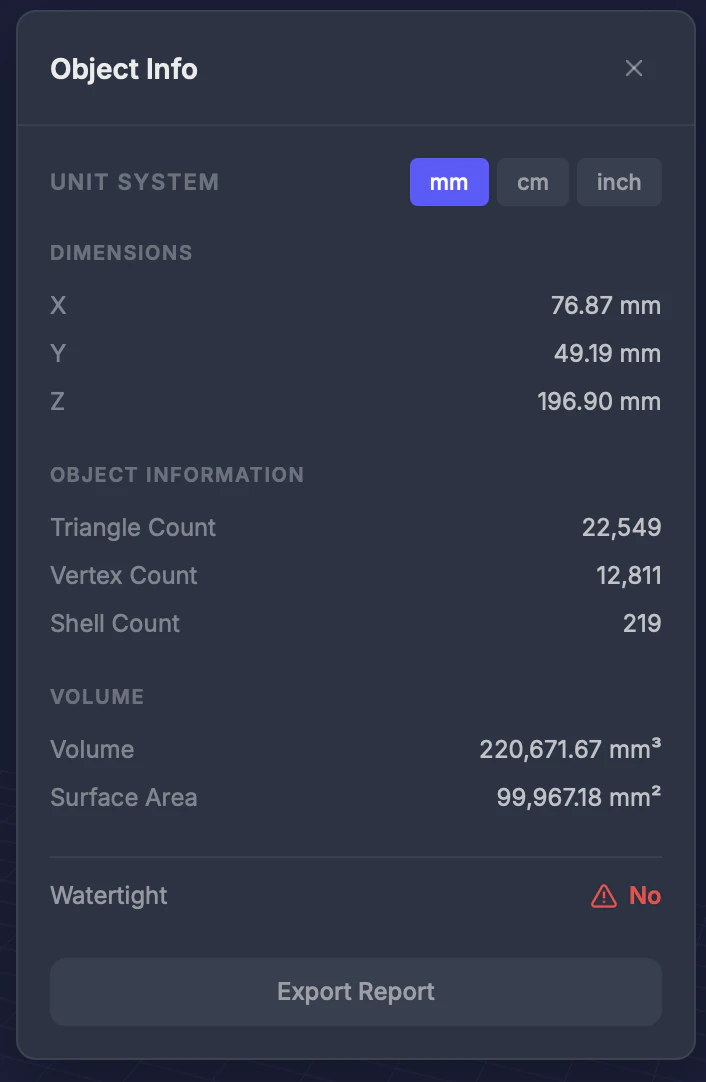
Information displayed
Unit switching
Toggle between millimeters (mm), centimeters (cm), and inches to see dimensions in your preferred unit.Tips
- Volume is useful for estimating material cost — many printing services charge by volume
- A high shell count may indicate floating parts — use Remove Small Parts to clean up
- Compare polygon count before and after repair to see how much the geometry was optimized
- For distance between specific features, use the Measure tool instead