

When to use this
- Your model has small floating pieces or stray geometry
- After importing a complex scene with debris
- When the Errors tool shows many disconnected components
Settings
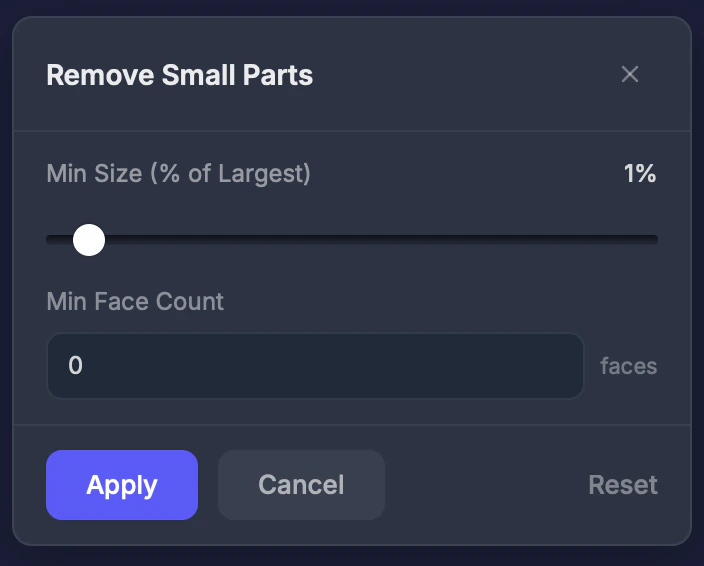
Min Size
The Min Size (% of Largest) slider removes parts smaller than this percentage of the largest part. Range 0.1–20 percent. Default: 1 percent.Min Face Count
Remove parts with fewer faces than this count. Set to 0 to disable.Step by step
1
Select Remove Small Parts
Click the tool in the Interactive Tools section.
2
Adjust the threshold
Set the minimum size percentage. Start with 1% and increase if needed.
3
Apply
Click Apply. Small fragments are removed.
Tips
- Start with 1% and increase gradually — you don’t want to accidentally remove important parts
- Use the Errors tool first to see how many disconnected parts exist
- This won’t remove parts physically connected to the main model — only truly separate floating pieces