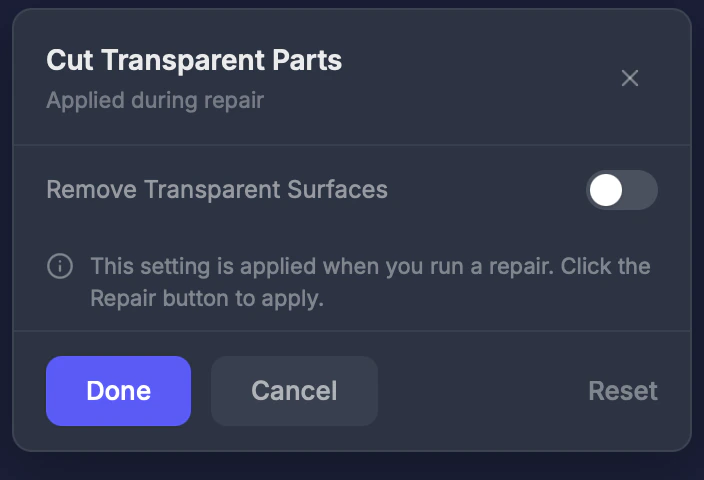
Cut Transparent removes surfaces that have transparent or invisible materials. These are common in models from game engines where effects like glass, invisible hair planes, or alpha-mapped textures exist.
When to use this
When your model has flat invisible planes or see-through surfaces that shouldn’t be part of the physical print. Common with:
- Character models from VRChat or VRoid
- Game-ready models from Unity or Unreal
- Models with glass or alpha-transparency effects
Settings
Enable
Toggle on or off. Default: Off.
If your model looks correct but has unexpected flat surfaces sticking out, try enabling Cut Transparent.