

When to use this
- When your model has millions of polygons and you want a lighter file
- When your slicer struggles with high-polygon models
- When you want a specific polygon count for your workflow
Settings
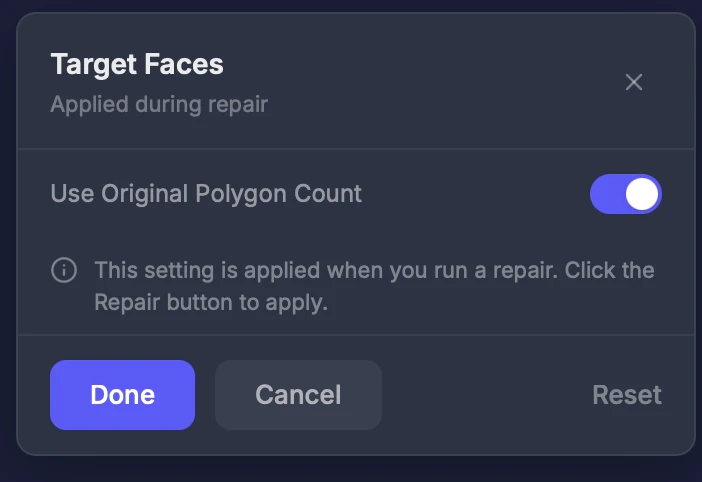
Smart Polygon Count
Toggle. Default: On — keeps the analyzer’s recommended polygon count.Target count
When toggled off, enter a custom number (3–5,000,000).Tips
- 100,000–500,000 faces is plenty of detail for most prints
- Reducing below 50,000 may lose visible fine features like facial details
- Higher polygon counts produce smoother surfaces but larger files
- Check the current count with the Object Info tool