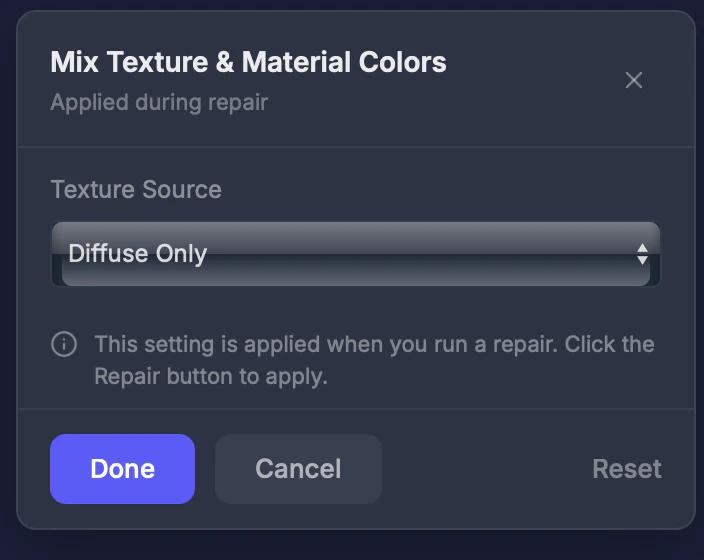
Colors controls how your model’s textures and materials are handled during repair.
When to use this
When your model has multiple material slots or complex texture setups, and you want to control which texture information is preserved.
Settings
Texture source
- Diffuse Only (default) — Uses only the base color texture. Best for most 3D printing.
- All Maps — Includes normal maps, roughness, and other texture channels. Use for advanced full-color printing where you want lighting effects baked in.
For full-color printing, Diffuse Only usually produces the most accurate colors. All Maps may add unexpected shading from lighting data baked into other texture channels.