

When to use this
For large models where a solid print would waste material, or when you want to reduce weight without changing the outer appearance.Settings
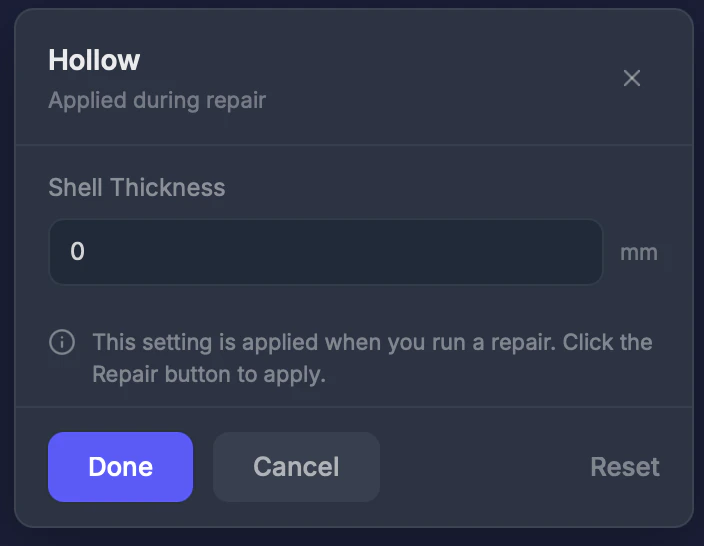
Shell thickness (0–20 mm)
How thick the outer walls should be. Set to 0 to keep the model solid (off). Default: 0 (off).Step by step
1
Select the Hollow tool
Click Hollow in the toolbar.
2
Set shell thickness
Enter a value in mm. 2–3 mm works well for most full-color printers.
3
Run a repair
Hollowing is applied during the repair process.
Tips
- 2–3 mm shell thickness is typical for full-color printers
- Make sure the shell is at least as thick as the Wall Thickness setting
- Use the Slice View tool after repair to verify the hollow interior looks correct