

1
Visit the app and sign up
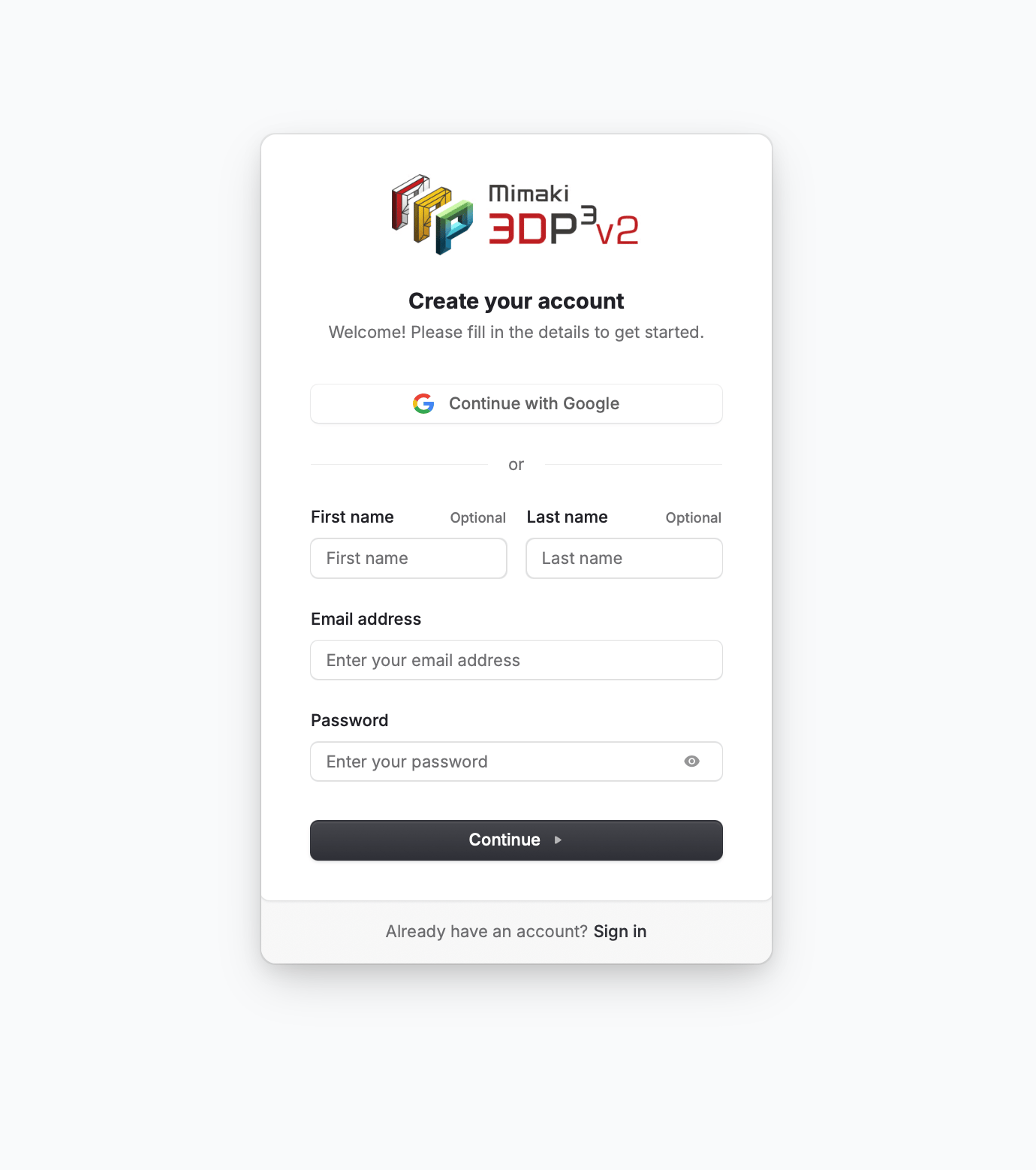
Go to the 3D Prep Pro app and click Sign Up. You can register with your email address, or sign up instantly with Google or Apple.
2
Verify your email
If you signed up with email, check your inbox for a verification code. Enter the code to activate your account.
3
Land on your dashboard
Once verified, you’re taken to the home dashboard. You’re ready to upload your first model.
Mimaki printer owners can sign up on the dedicated Mimaki sign-up page — no printer serial is required to register. After signing up, verify your printer serial under Account Settings > Mimaki printer ownership, where a Mimaki admin reviews and approves your request. See Mimaki printer owners for details.