

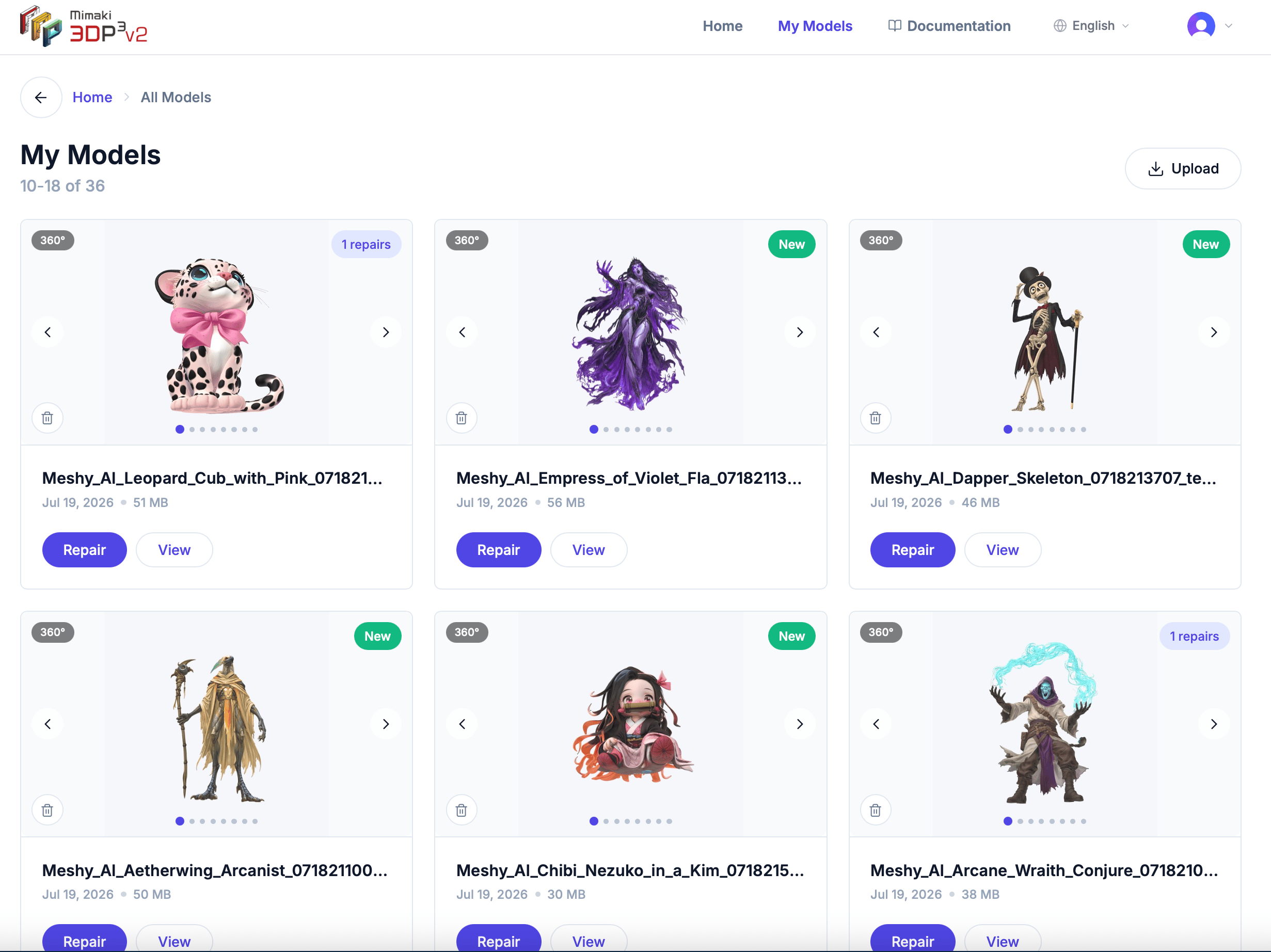
Model cards
Each model card shows:- 360° thumbnail — Hover or click arrows to see the model from different angles
- Model name — The original filename
- Upload date — When you uploaded the file
- File size — Size of the original file
- Repair count — How many times this model has been repaired
- “New” badge — Appears on recently uploaded models
Actions
Each model card has two buttons:- Repair — Opens the model’s detail page, where you can view the model in 3D, start a new repair, download the original file, or delete the model and all its repairs.
- View — Opens the model directly in the 3D editor.