

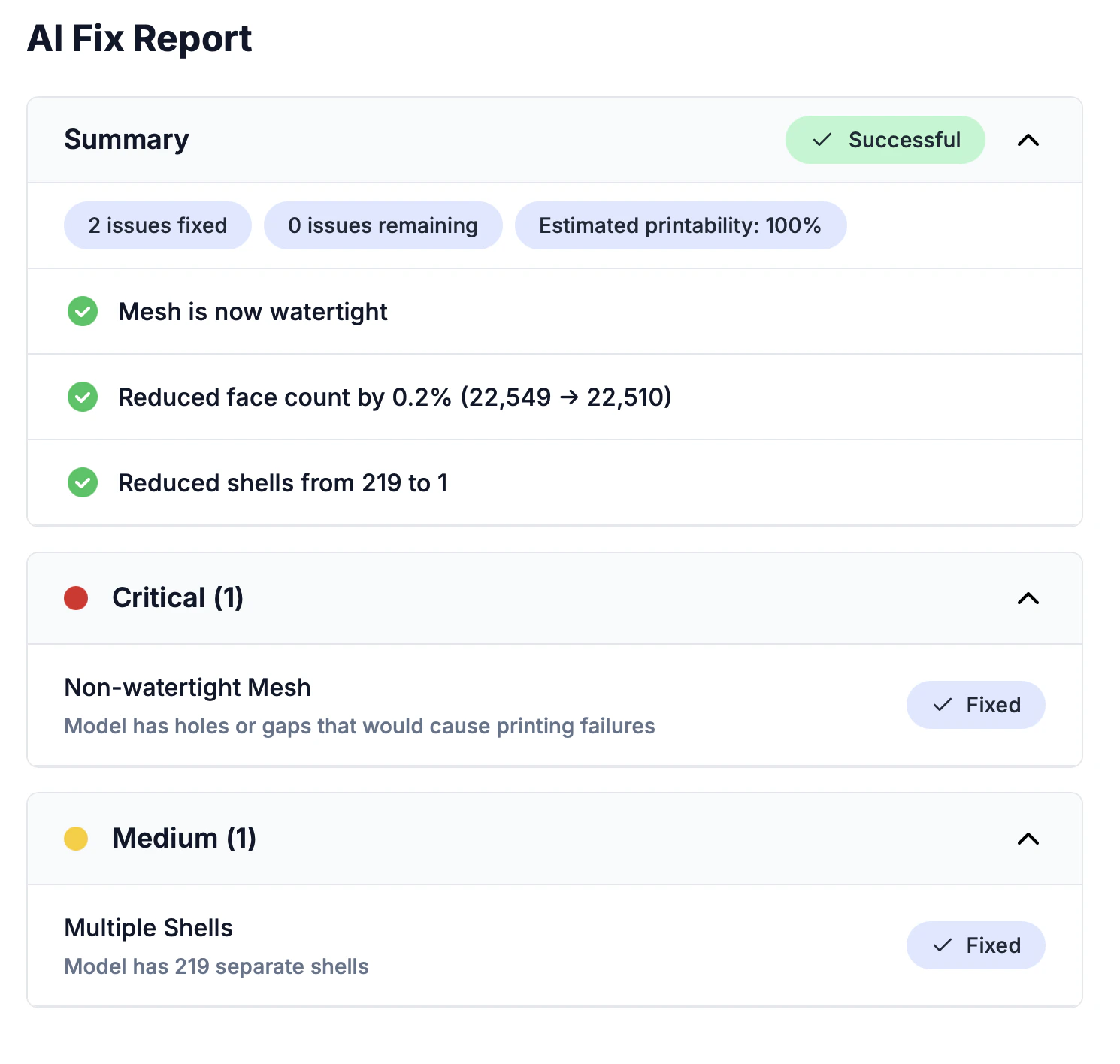
Report sections
Summary
A quick overview: how many issues were found, how many were fixed, and an overall printability assessment.Issue categories
Issues are grouped by severity:
Each issue shows:
- The name of the issue
- A short description of what was found
- A Fixed pill when it was successfully resolved
Improvements
A summary of all optimizations applied: polygon reduction, surface smoothing, texture cleanup, and more.Settings used
The exact settings used for this repair, so you can reproduce the result or adjust and re-repair.Before and after comparison
The repair detail page shows a 360° image preview you can drag to rotate the model. To compare the original and repaired versions, click the Open in 3D Viewer button — it opens the editor’s side-by-side split view, with the original model on the left and the repaired version on the right.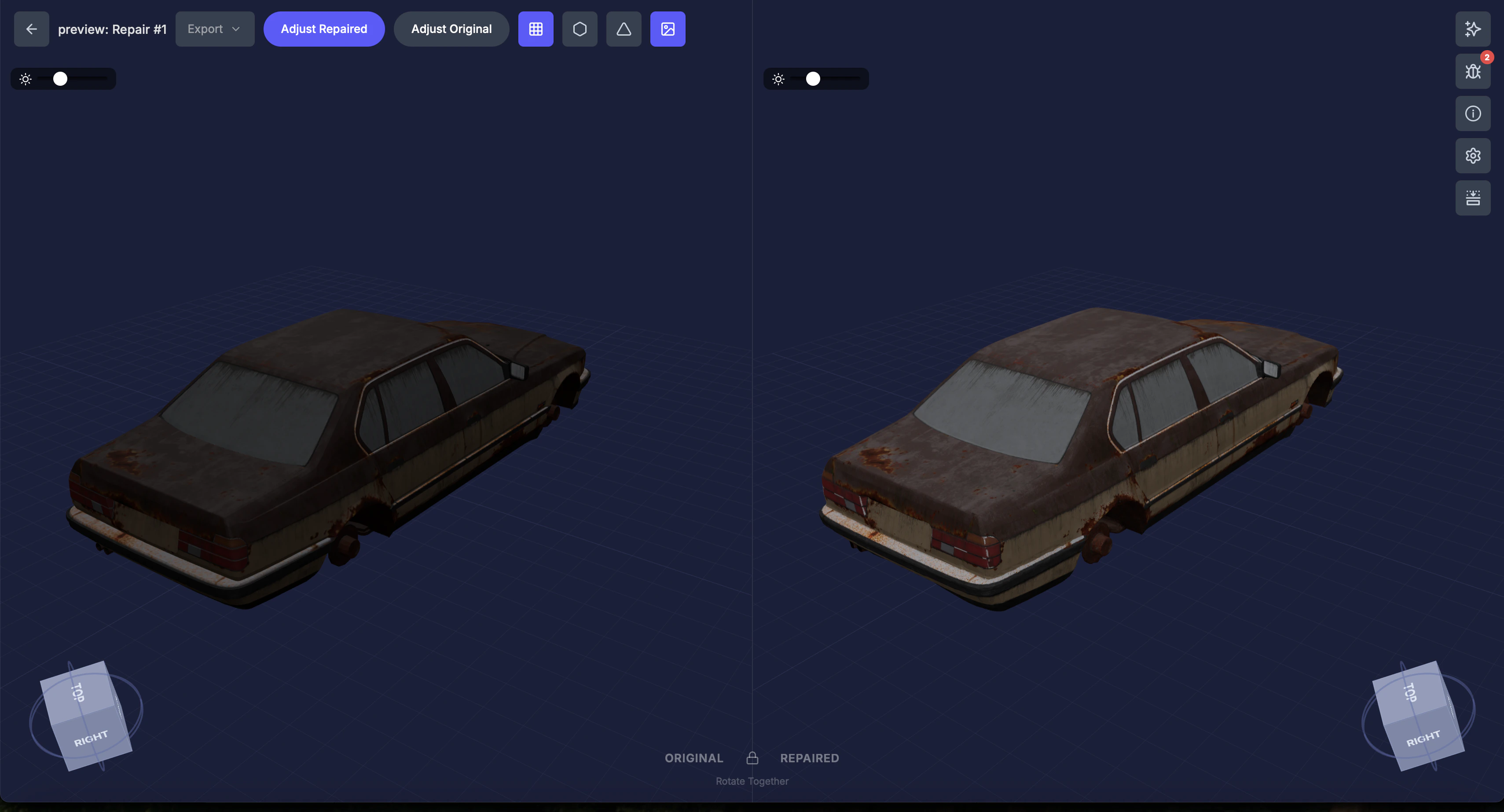
The AI report is generated automatically and focuses on print-readiness. It’s designed to help you understand the repairs without needing 3D printing expertise.