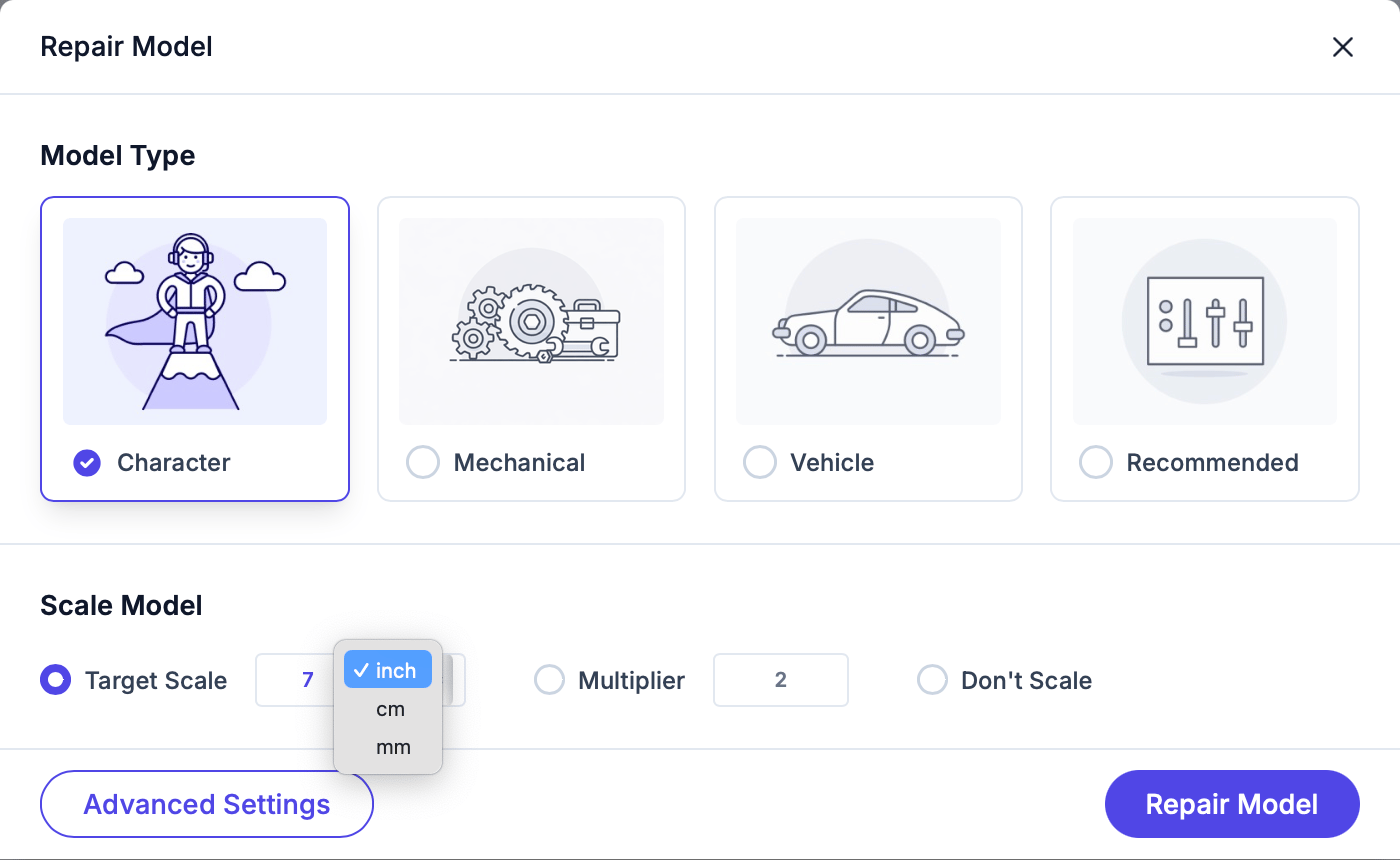
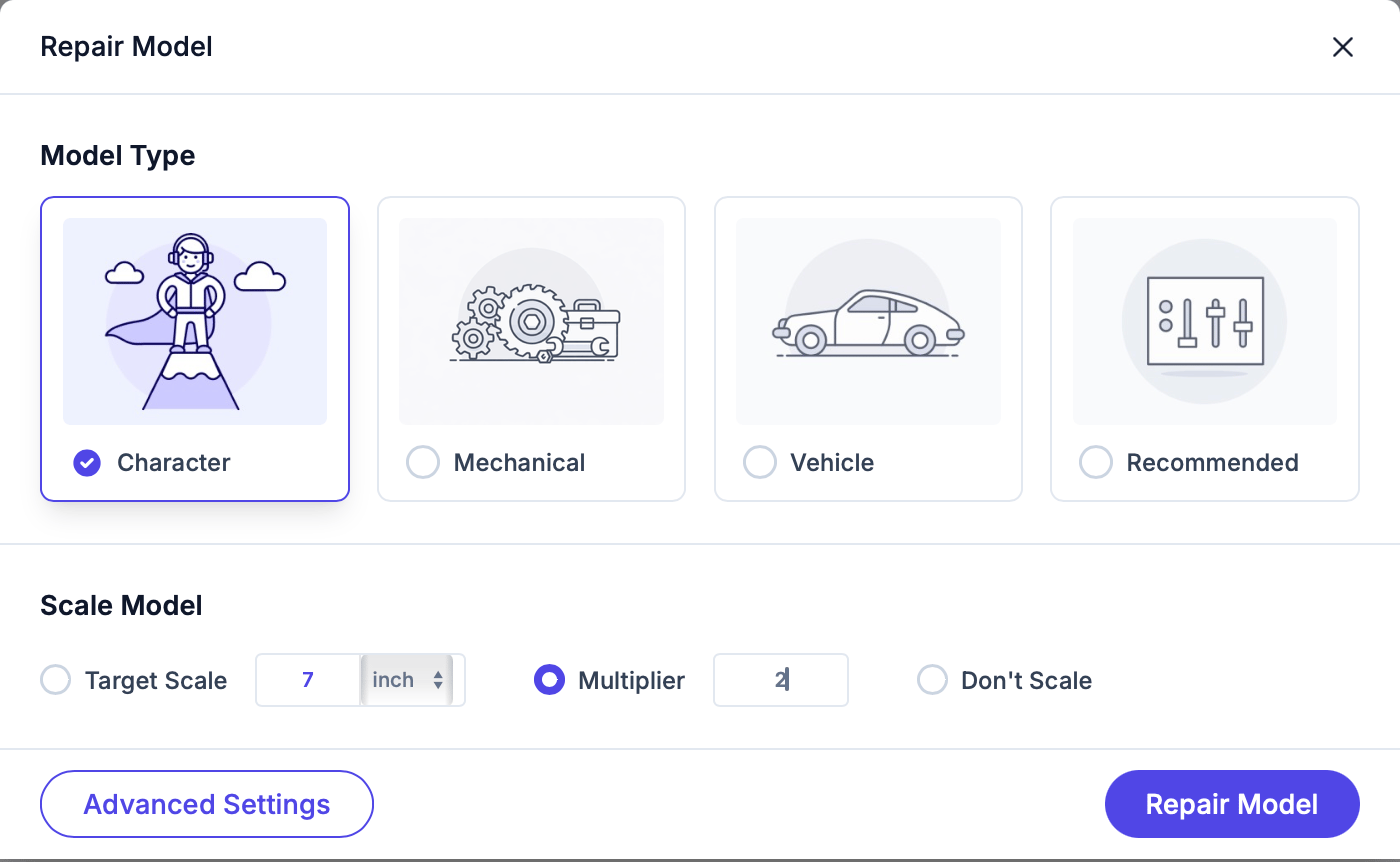
Scale settings let you resize your model during repair. Choose from three modes:
Target dimension
Multiplier
Don't scale
Set the longest side of your model to a specific size. For example, “6 inches tall” or “150 mm wide”.Choose your unit: millimeters (mm), centimeters (cm), or inches. Scale by a factor. For example:
- 2x doubles the size
- 0.5x halves it
- 1x keeps the same size
Keep the model at its original dimensions. Use this when your model is already at the correct size.
Double-check your scale settings before repairing. An incorrectly scaled model wastes printing material and time.
If you’re printing on a Mimaki full-color printer, the print volume is treated as up to about 20 inches (508 mm) on the longest side. Some features, such as lattice infill, are blocked above 25 inches (635 mm).