

Edit your name
Update your first and last name in the Edit Profile section. Click Save to confirm.Profile photo
- Click your current photo (or the placeholder) to upload a new image
- Click Delete to remove your photo and use the default avatar
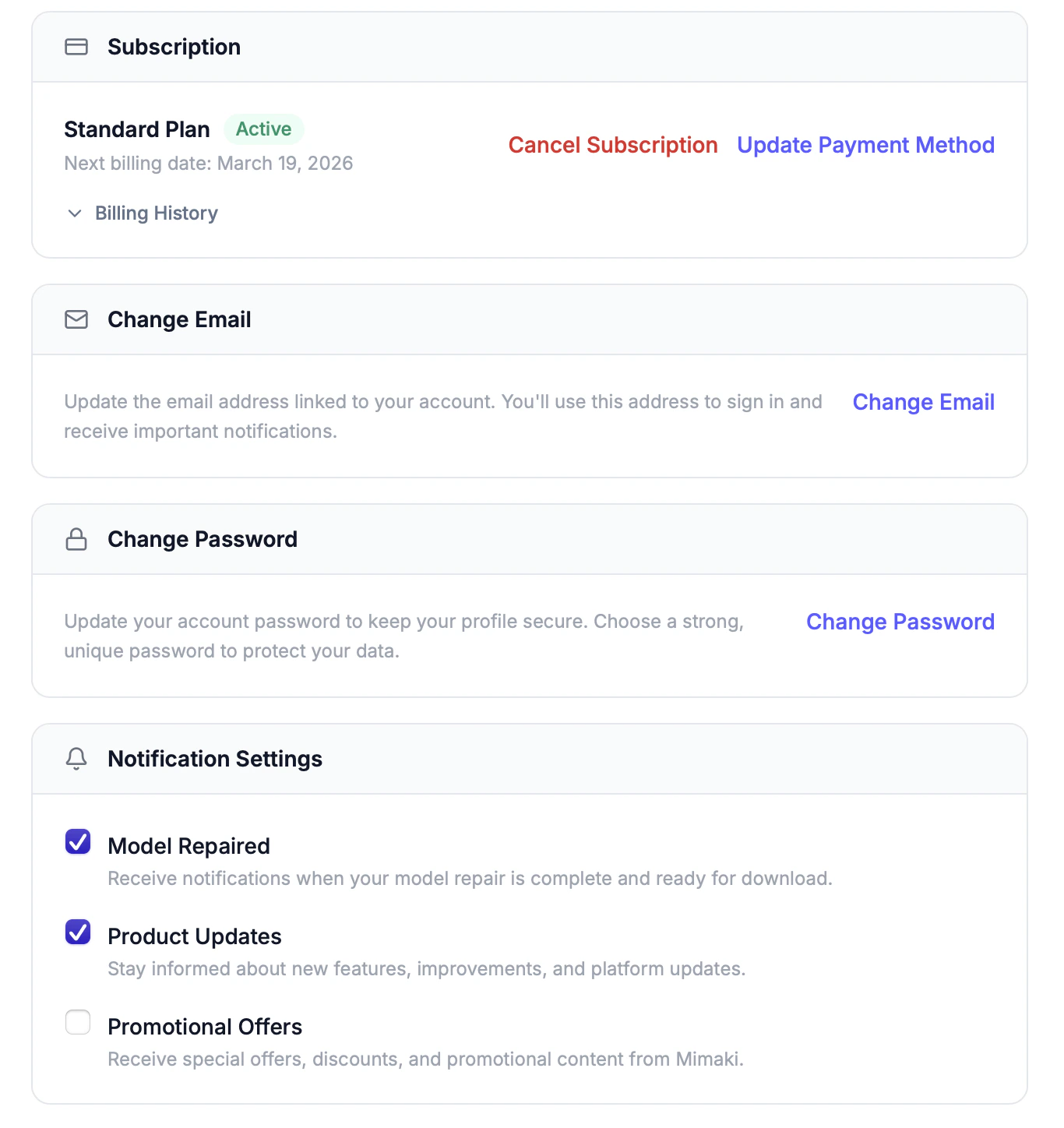
Change email
Changing your email is a three-step verification process:1
Enter your new email
Type your new email address in the Change Email section.
2
Verify
A verification code is sent to your new email. Enter the code to confirm.
3
Set as primary
Once verified, the new email becomes your primary email for sign-in and notifications.
Change password
Enter your current password, then your new password twice to confirm. Click Update Password.Subscription management
The Subscription section shows:- Your current plan name and status (active, trial, canceled)
- Days remaining in your trial (if applicable)
- Next billing date
- Update Payment Method — opens a secure Stripe form to save a new card
- Cancel Subscription — cancels at the end of the current billing period (you keep access until then)
- Reactivate — if canceled, reactivate before the period ends to continue without interruption