> ## Documentation Index
> Fetch the complete documentation index at: https://docs.3dpreppro.com/llms.txt
> Use this file to discover all available pages before exploring further.
# 缩放设置
> 将模型调整到您需要的精确打印尺寸
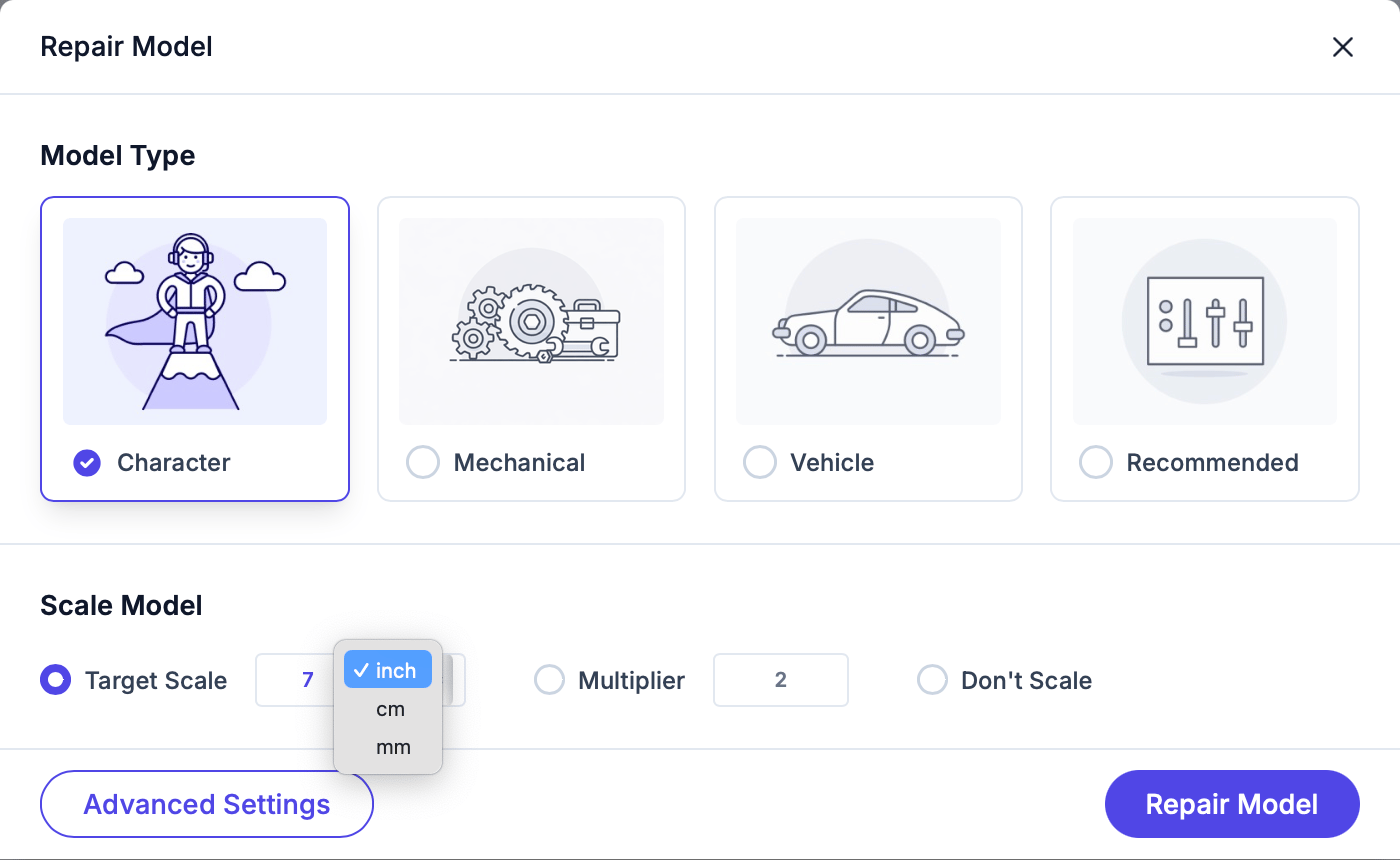
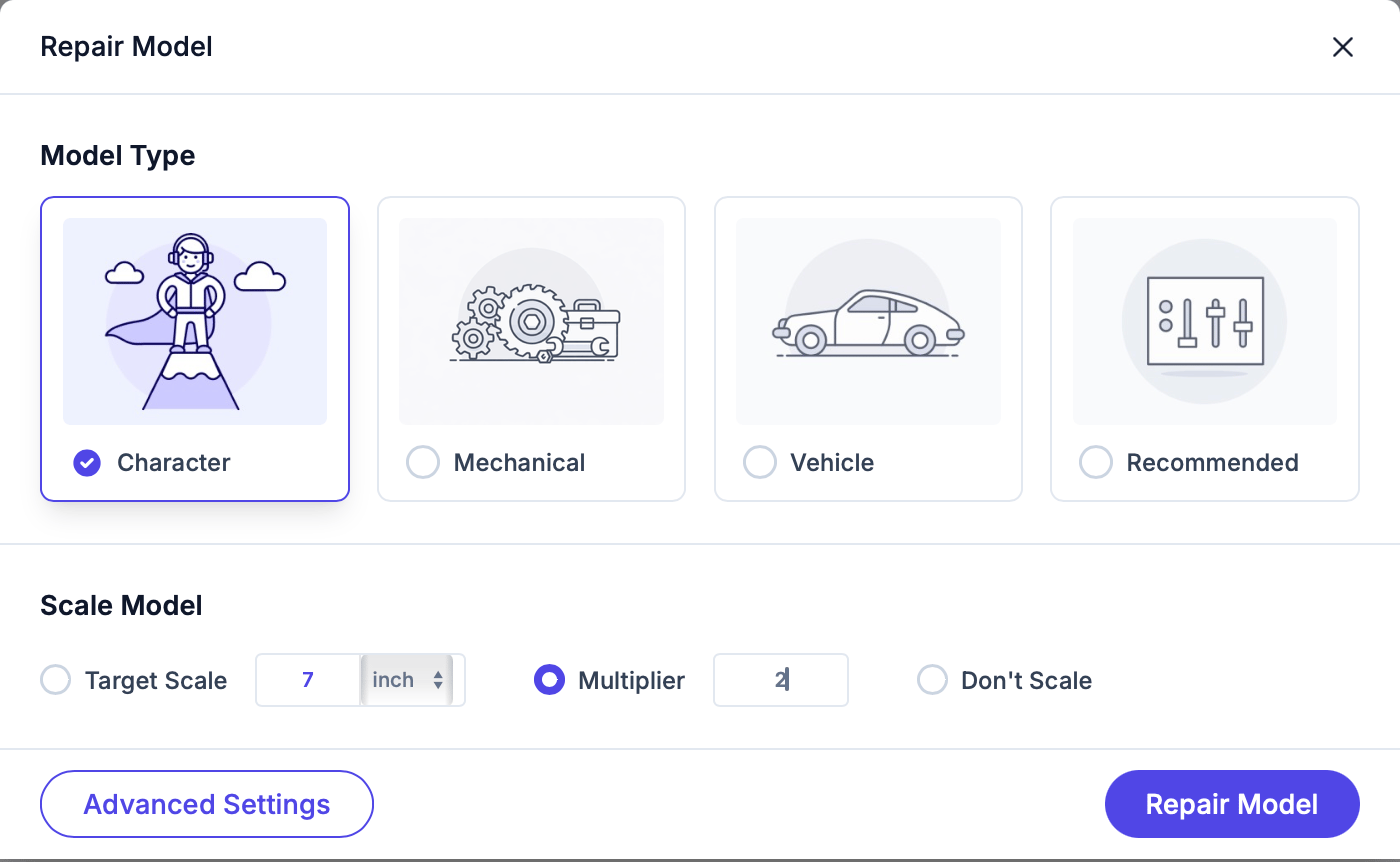
缩放设置允许您在修复过程中调整模型大小。从三种模式中选择:
将模型最长边设置为特定大小。例如,"15厘米高"或"150毫米宽"。
选择您的单位:**毫米 (mm)**、**厘米 (cm)** 或 **英寸**。
 按比例缩放。例如:
* **2x** 放大一倍
* **0.5x** 缩小一半
* **1x** 保持原大小
按比例缩放。例如:
* **2x** 放大一倍
* **0.5x** 缩小一半
* **1x** 保持原大小
 保持模型的原始尺寸。当您的模型已经是正确大小时使用此选项。
修复前请仔细检查缩放设置。错误的缩放会浪费打印材料和时间。
如果您使用 Mimaki 全彩打印机打印,打印体积按最长边最多约 **508毫米(20英寸)** 处理。某些功能(例如晶格填充)在超过 **635毫米(25英寸)** 时将被禁用。
This documentation is built and hosted on [Mintlify](https://mintlify.com), a developer documentation platform.
保持模型的原始尺寸。当您的模型已经是正确大小时使用此选项。
修复前请仔细检查缩放设置。错误的缩放会浪费打印材料和时间。
如果您使用 Mimaki 全彩打印机打印,打印体积按最长边最多约 **508毫米(20英寸)** 处理。某些功能(例如晶格填充)在超过 **635毫米(25英寸)** 时将被禁用。
This documentation is built and hosted on [Mintlify](https://mintlify.com), a developer documentation platform.