> ## Documentation Index
> Fetch the complete documentation index at: https://docs.3dpreppro.com/llms.txt
> Use this file to discover all available pages before exploring further.
# Create your account
> Sign up in under a minute and start preparing your models
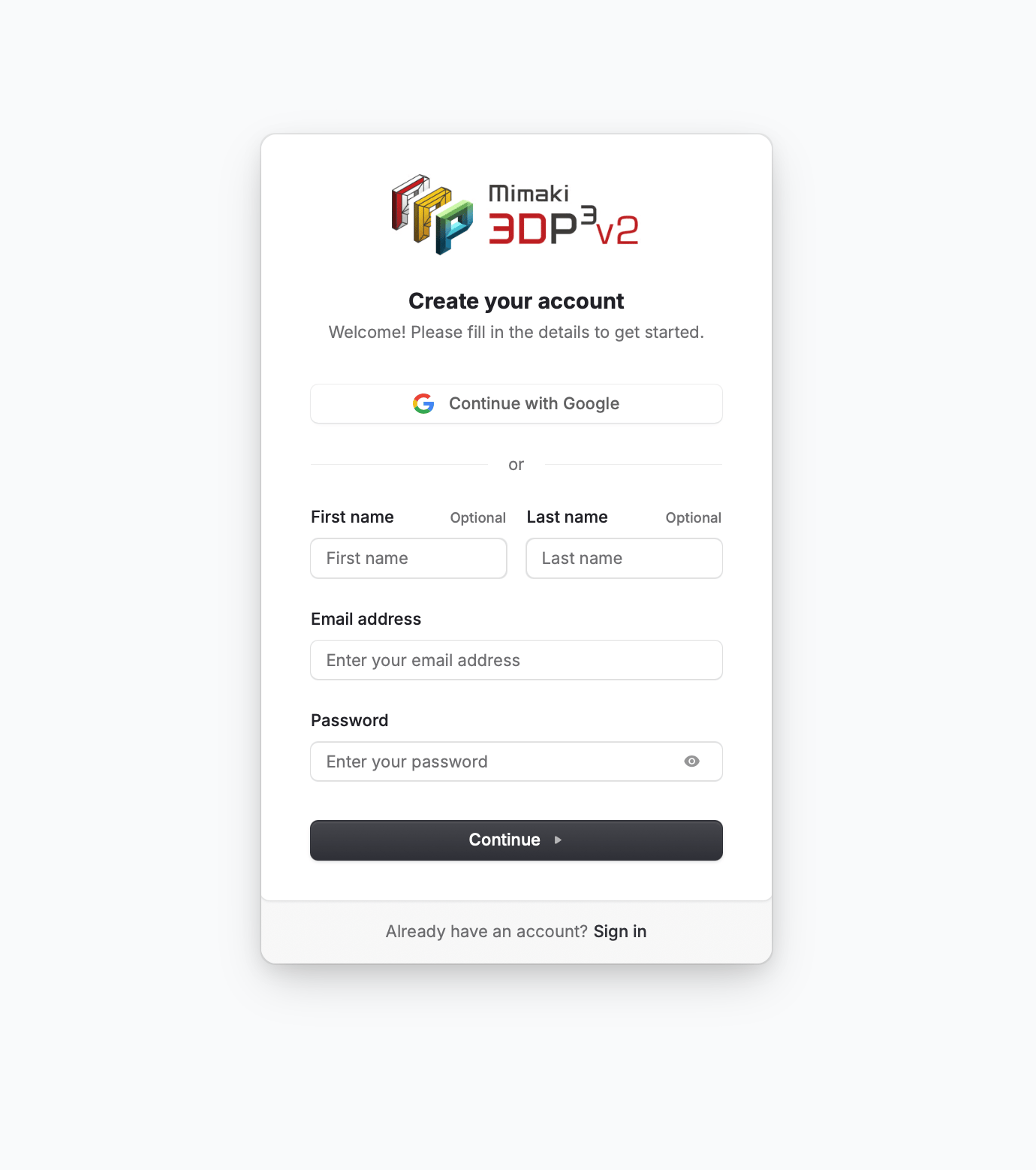 Getting started takes less than a minute. Create a free account and you can begin uploading and repairing models right away.
Go to the 3D Prep Pro app and click **Sign Up**. You can register with your email address, or sign up instantly with Google or Apple.
If you signed up with email, check your inbox for a verification code. Enter the code to activate your account.
Once verified, you're taken to the home dashboard. You're ready to upload your first model.
**Mimaki printer owners** can sign up on the dedicated Mimaki sign-up page — no printer serial is required to register. After signing up, verify your printer serial under **Account Settings > Mimaki printer ownership**, where a Mimaki admin reviews and approves your request. See [Mimaki printer owners](/account/mimaki-owners) for details.
## What you get for free
Every new account includes **2 free repairs** — no credit card required. This lets you try the full repair pipeline before deciding on a subscription.
After your 2 free repairs, you can start a 30-day free trial with full access to all features. See [Free trial](/account/free-trial) for details.
Getting started takes less than a minute. Create a free account and you can begin uploading and repairing models right away.
Go to the 3D Prep Pro app and click **Sign Up**. You can register with your email address, or sign up instantly with Google or Apple.
If you signed up with email, check your inbox for a verification code. Enter the code to activate your account.
Once verified, you're taken to the home dashboard. You're ready to upload your first model.
**Mimaki printer owners** can sign up on the dedicated Mimaki sign-up page — no printer serial is required to register. After signing up, verify your printer serial under **Account Settings > Mimaki printer ownership**, where a Mimaki admin reviews and approves your request. See [Mimaki printer owners](/account/mimaki-owners) for details.
## What you get for free
Every new account includes **2 free repairs** — no credit card required. This lets you try the full repair pipeline before deciding on a subscription.
After your 2 free repairs, you can start a 30-day free trial with full access to all features. See [Free trial](/account/free-trial) for details.