> ## Documentation Index
> Fetch the complete documentation index at: https://docs.3dpreppro.com/llms.txt
> Use this file to discover all available pages before exploring further.
# Cut Transparent
> Remove invisible or transparent surfaces
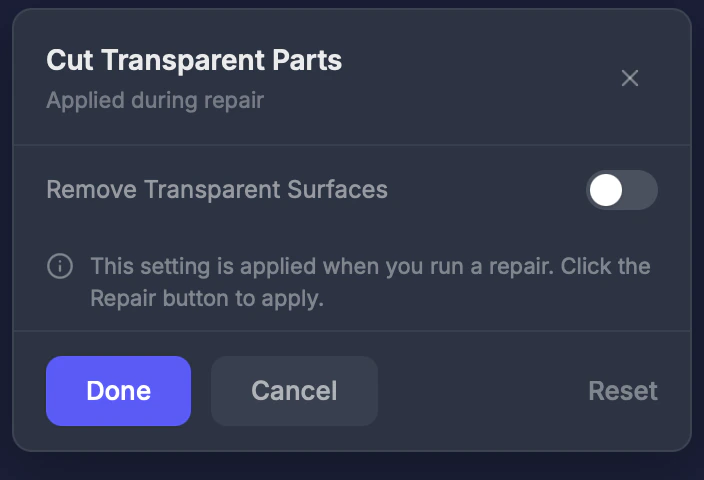 Cut Transparent removes surfaces that have transparent or invisible materials. These are common in models from game engines where effects like glass, invisible hair planes, or alpha-mapped textures exist.
## When to use this
When your model has flat invisible planes or see-through surfaces that shouldn't be part of the physical print. Common with:
* Character models from VRChat or VRoid
* Game-ready models from Unity or Unreal
* Models with glass or alpha-transparency effects
## Settings
### Enable
Toggle on or off. **Default: Off.**
If your model looks correct but has unexpected flat surfaces sticking out, try enabling Cut Transparent.
Cut Transparent removes surfaces that have transparent or invisible materials. These are common in models from game engines where effects like glass, invisible hair planes, or alpha-mapped textures exist.
## When to use this
When your model has flat invisible planes or see-through surfaces that shouldn't be part of the physical print. Common with:
* Character models from VRChat or VRoid
* Game-ready models from Unity or Unreal
* Models with glass or alpha-transparency effects
## Settings
### Enable
Toggle on or off. **Default: Off.**
If your model looks correct but has unexpected flat surfaces sticking out, try enabling Cut Transparent.