> ## Documentation Index
> Fetch the complete documentation index at: https://docs.3dpreppro.com/llms.txt
> Use this file to discover all available pages before exploring further.
# Colors & Textures
> Control how textures and materials are processed
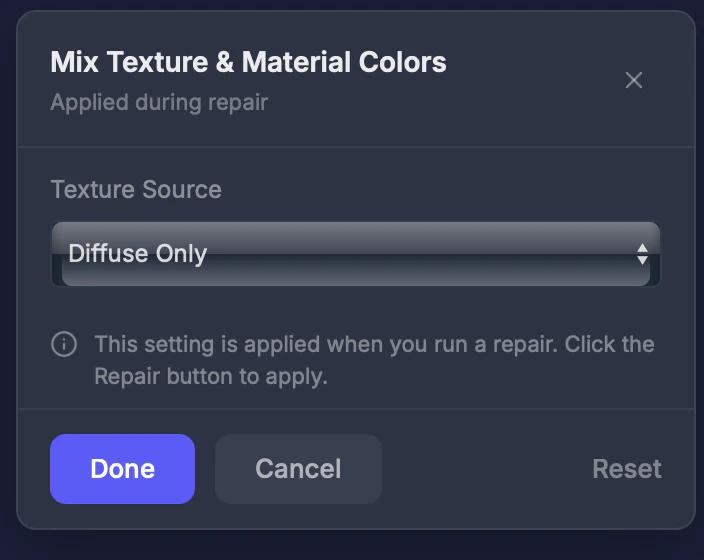 Colors controls how your model's textures and materials are handled during repair.
## When to use this
When your model has multiple material slots or complex texture setups, and you want to control which texture information is preserved.
## Settings
### Texture source
* **Diffuse Only** (default) — Uses only the base color texture. Best for most 3D printing.
* **All Maps** — Includes normal maps, roughness, and other texture channels. Use for advanced full-color printing where you want lighting effects baked in.
For full-color printing, **Diffuse Only** usually produces the most accurate colors. **All Maps** may add unexpected shading from lighting data baked into other texture channels.
Colors controls how your model's textures and materials are handled during repair.
## When to use this
When your model has multiple material slots or complex texture setups, and you want to control which texture information is preserved.
## Settings
### Texture source
* **Diffuse Only** (default) — Uses only the base color texture. Best for most 3D printing.
* **All Maps** — Includes normal maps, roughness, and other texture channels. Use for advanced full-color printing where you want lighting effects baked in.
For full-color printing, **Diffuse Only** usually produces the most accurate colors. **All Maps** may add unexpected shading from lighting data baked into other texture channels.