> ## Documentation Index
> Fetch the complete documentation index at: https://docs.3dpreppro.com/llms.txt
> Use this file to discover all available pages before exploring further.
# Free trial
> 30 days of full access to explore everything 3D Prep Pro offers
## How it works
When you subscribe, your first 30 days are free. You get full access to every feature — unlimited repairs, all tools, every export format.
Try the platform with no commitment. Upload a model and repair it.
When you're ready, go to the checkout page and enter your payment details. Your trial begins immediately.
Use every feature without limits. Your card is not charged during the trial.
After 30 days, your subscription begins at your plan's monthly rate. Cancel anytime before the trial ends to avoid charges.
## What happens when the trial ends
* If you **keep your subscription**: You're charged the monthly rate and everything continues.
* If you **cancel before the trial ends**: You're not charged. Your account reverts to the free tier (2 repair limit, models preserved).
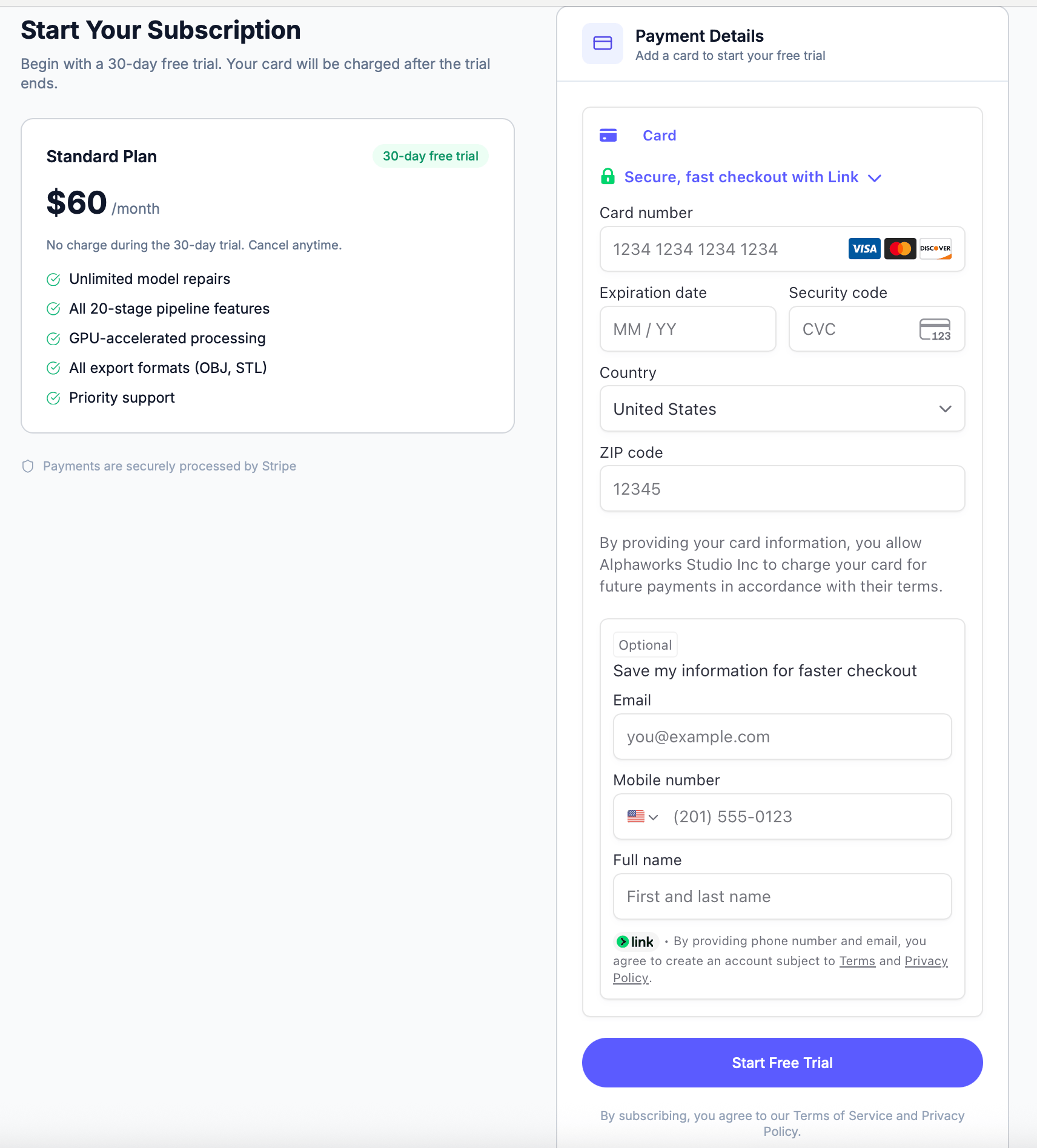 ## Starting your trial
1. Click **Start Free Trial** from the prompt on the home page, or go to the checkout page
2. Enter your payment details (card is verified but not charged)
3. Your 30-day trial starts immediately
Your card is only charged after the 30-day trial period. You can cancel at any time from [Account Settings](/account/profile).
You can see how many trial days remain in your Account Settings under the Subscription section.
## Starting your trial
1. Click **Start Free Trial** from the prompt on the home page, or go to the checkout page
2. Enter your payment details (card is verified but not charged)
3. Your 30-day trial starts immediately
Your card is only charged after the 30-day trial period. You can cancel at any time from [Account Settings](/account/profile).
You can see how many trial days remain in your Account Settings under the Subscription section.